Function
Function
For UX/Product design only
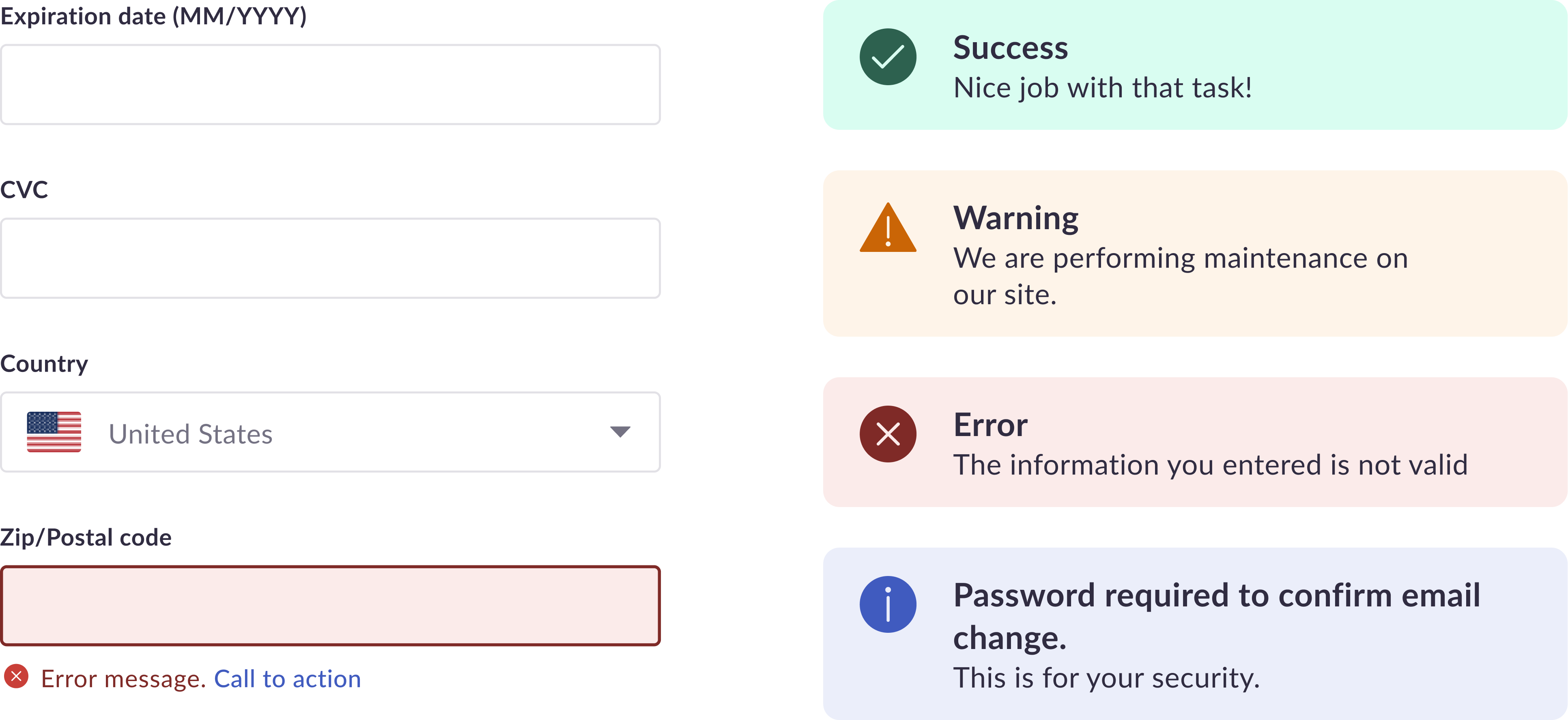
These palettes are dedicated for UX/product design and are not to be used for marketing design. They are ONLY used to show the status of an action that a user needs to take or has taken.
Tip: Use Info 700 to show default links and other interactive elements that need a spark of color.
Success result
Use when an action was successful.
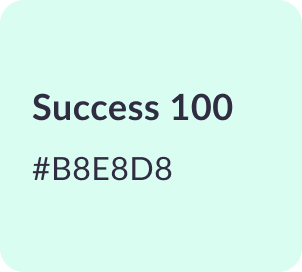

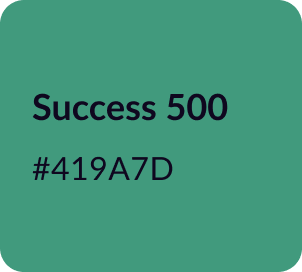

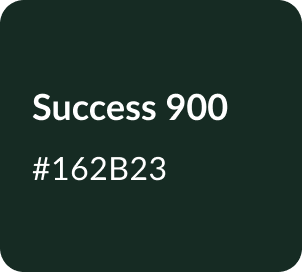
Example Usage
<p class="ayode-text-success-500">Success Text</p>
<div class="ayode-bg-success-100">Success Background</div>
Danger or an error
Use when an action was not successful
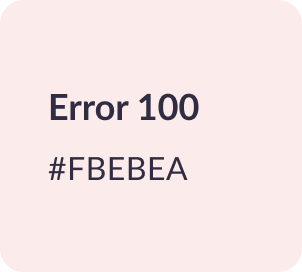
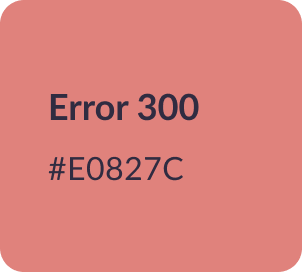
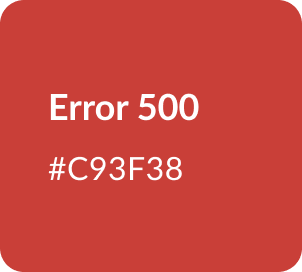
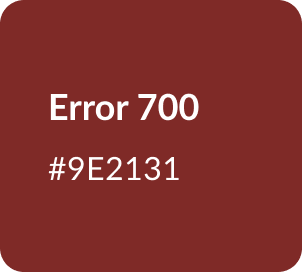
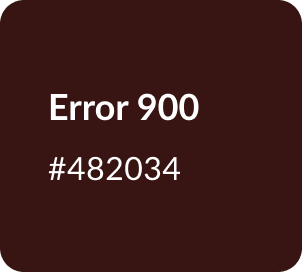
Example Usage
<p class="ayode-text-error-500">Error Text</p>
<div class="ayode-bg-error-100">Error Background</div>
Warning
Use when an action needs a user’s attention
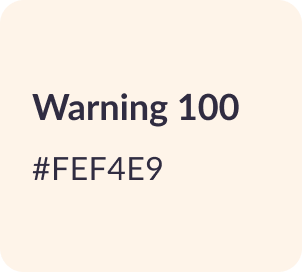
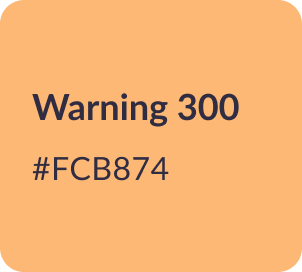
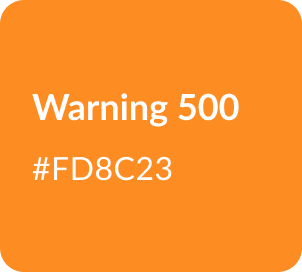
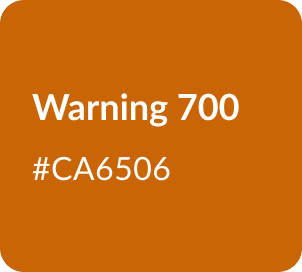
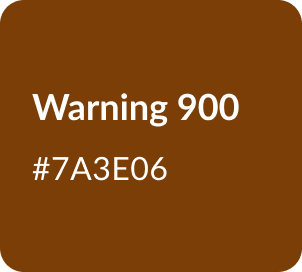
Example Usage
<p class="ayode-text-warning-500">Warning Text</p>
<div class="ayode-bg-warning-100">Warning Background</div>
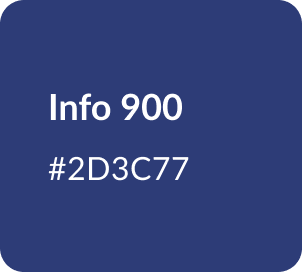
Info
Use for neutral information and links

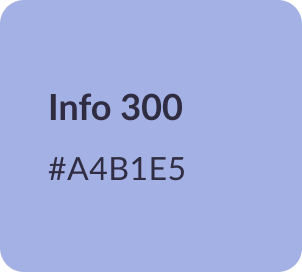

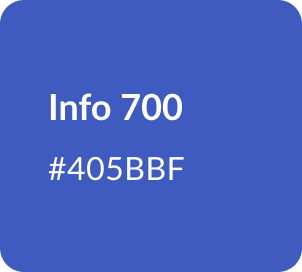
Example Usage
<p class="ayode-text-info-500">Info Text</p>
<div class="ayode-bg-info-100">Info Background</div>
Usage for Functional palette
Examples of how functional palette are used within the product.
This enhances and help communicate with users very quickly on different status and lower cognitive load.